
Beyond the Chatbot: 3 Ways Custom AI Integrations Actually Save Business Hours
Stop treating AI as a digital toy. Learn how to deploy custom LLM pipelines that handle the back-office heavy lifting.
In the current market, “AI” has become a buzzword synonymous with chatbots. While a customer-facing GPT instance can be helpful, it represents the tip of the iceberg. For businesses operating at scale, the true ROI isn’t found in a chat window—it’s found in the silent automation of back-office workflows.
1. Automated Data Extraction (The End of Manual Entry)
Most mid-sized firms lose hundreds of hours monthly to “data plumbing”—the act of taking information from one format (a PDF invoice, a vendor email, or a handwritten work order) and manually typing it into a database or CRM.
Custom AI integrations allow us to build Deterministic Extraction Pipelines. By utilizing Large Language Models (LLMs) with structured output (JSON/XML), we can transform a messy PDF into a clean data object in milliseconds. This isn’t just about speed; it’s about eliminating the 2–3% human error rate that plagues manual data entry.
2. Intelligent Triage and Routing
When an inquiry hits your inbox, does it sit there for four hours until a human reads it? Custom AI layers can act as a high-speed “Digital Dispatcher.” By analyzing the sentiment and technical intent of an incoming request, the system can automatically assign it to the correct department, draft a context-aware response, and flag high-priority leads before a human even opens their email client.
3. Predictive Inventory & Demand Orchestration
In E-commerce, the cost of an “Out of Stock” notification is lost revenue. Traditional inventory software looks backward at what you sold. An AI integration looks forward. By connecting your sales data to a custom-trained model, we can predict inventory depletion based on seasonal trends, marketing spend, and even external market factors. You aren’t just reacting to stock levels; you are orchestrating them.
“The goal of AI isn’t to replace the decision-maker; it’s to provide the decision-maker with clean, actionable data so they can stop being a data-entry clerk.”
How the Architecture Works
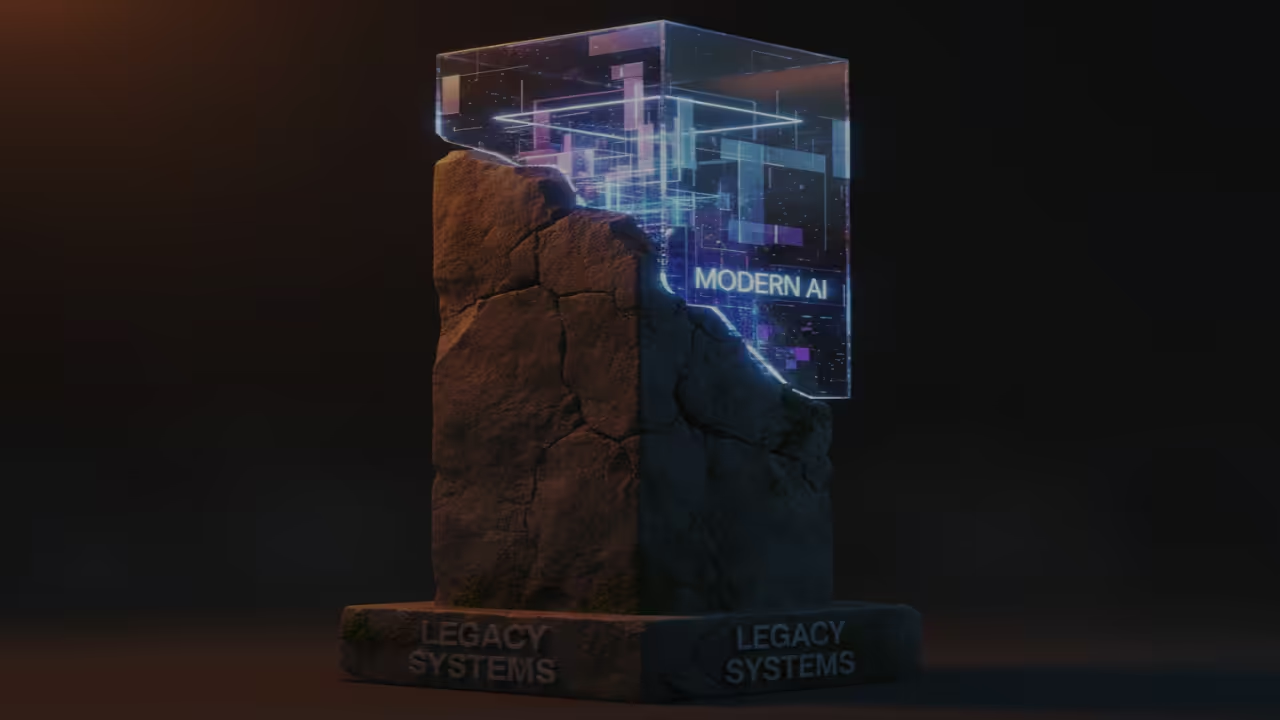
This diagram illustrates the pipeline from Unstructured Input to AI Processing to Structured Action.
Human vs. AI

Comparison of processing time per 1,000 units: Human (40hrs) vs. AI Pipeline (12 seconds).
Have a similar bottleneck in your business?
I specialize in building the exact integrations described in this article. Let’s reclaim your team’s time.
Check my Availability for a Discovery Call